 In stock
Tripp Lite
· BCINTERNET675-V2
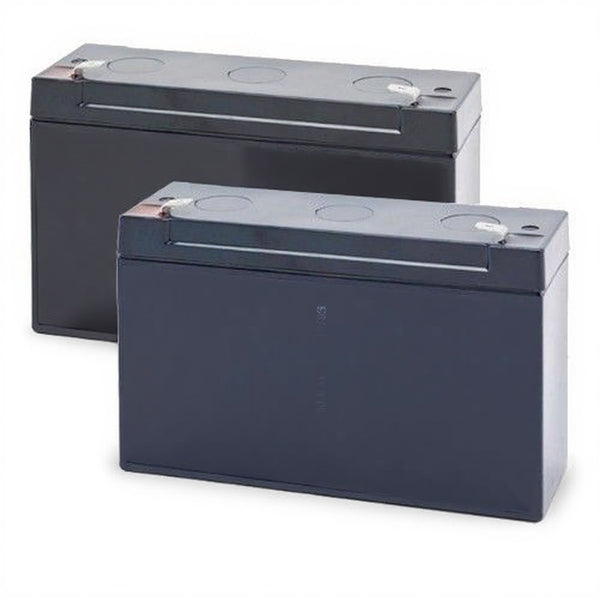
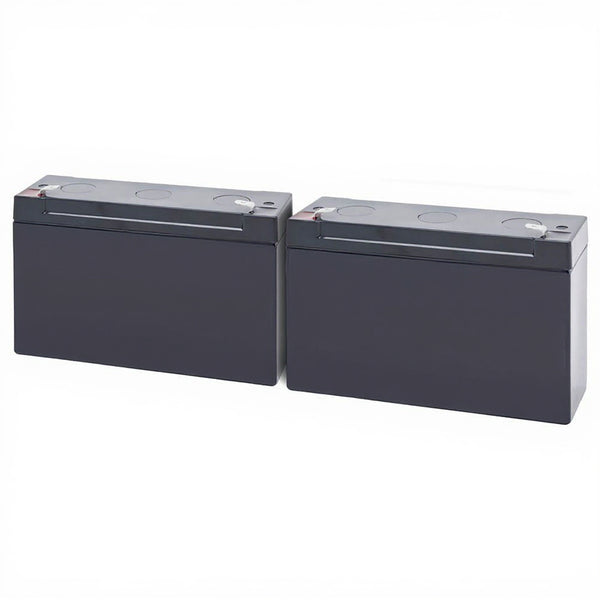
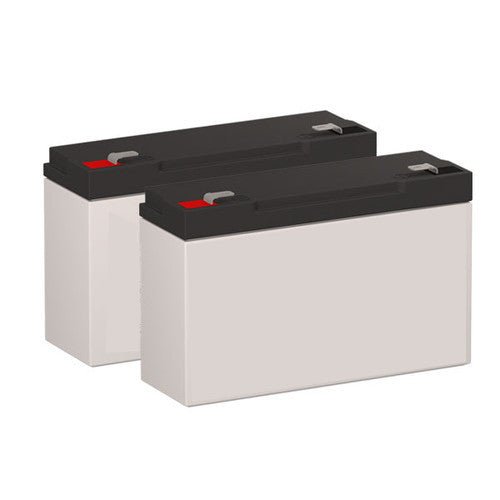
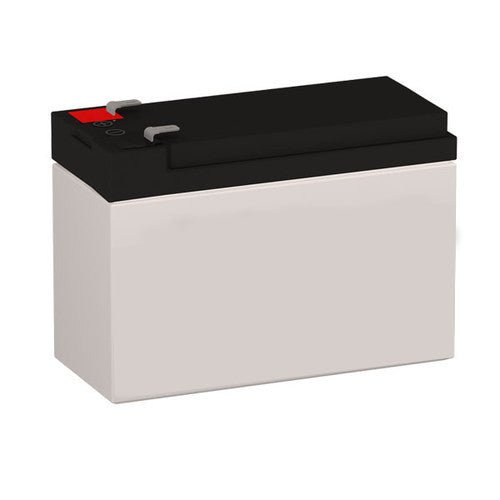
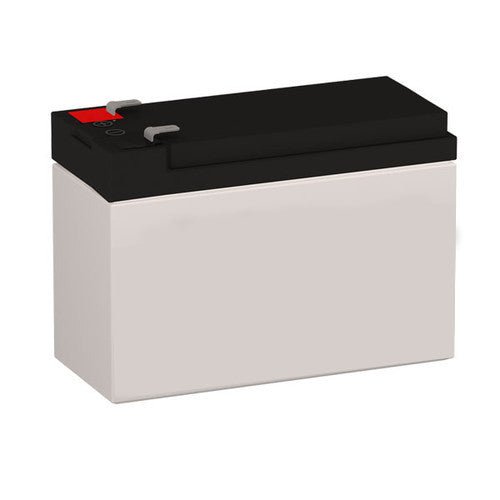
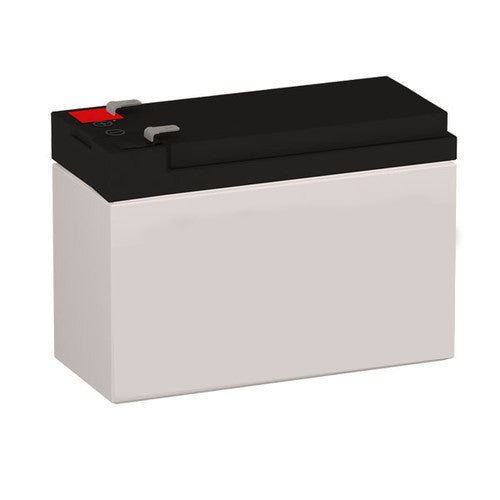
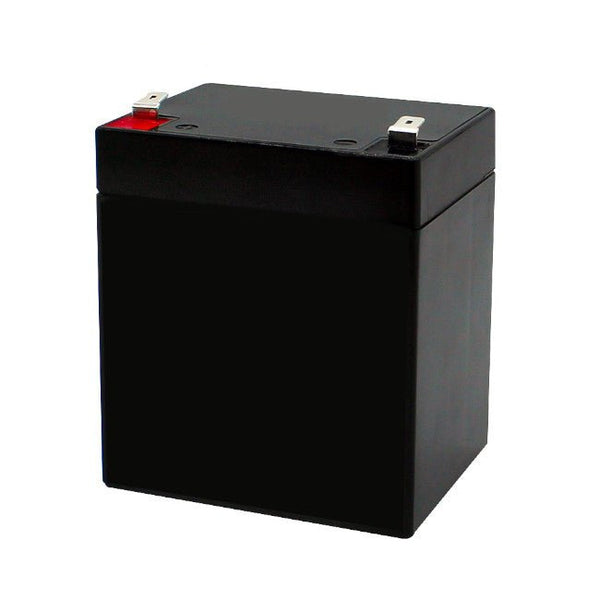
Tripp Lite BCINTERNET675-V2 Battery
- Voltage
- 6
- Capacity
- 12.0 Ah
- Terminal
- Molex Connector
- Type
- Compatible Replacement
$49.99

Compatible replacement batteries for Tripp Lite Internet, Internet Office, and BC Internet series UPS systems. Confirm your exact model number, order the matching battery, and it ships from our Canadian warehouse.
In stock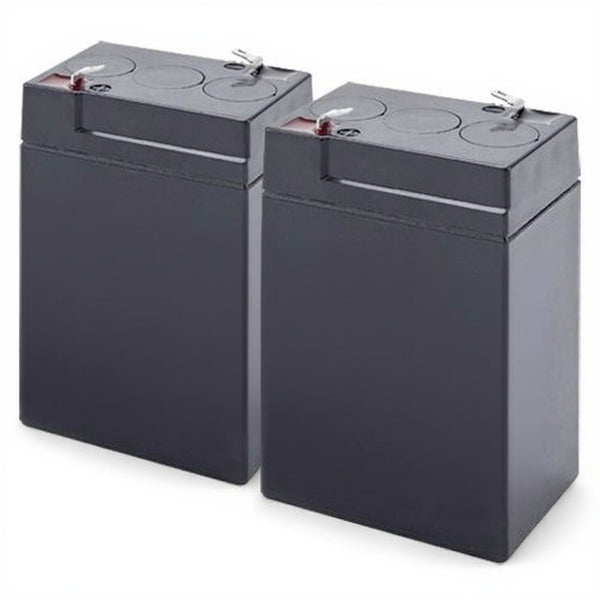 In stock
 In stock
 In stock
 In stock
 In stock
 In stock
 In stock
 In stock
 In stock
 In stock
 In stock
 In stock
 Ships in 2–4 weeks
The Tripp Lite Internet, Internet Office, and BC Internet families are entry-level standby UPS units built to protect a desktop PC, modem, router, or small office workstation through brief outages and surges. Like every UPS, the unit itself can last many years, but the sealed lead-acid (SLA) battery inside is a wear item that loses capacity over time and eventually needs replacing. The products in this collection are compatible replacement batteries for those units.
These UPS systems use sealed lead-acid (also called valve-regulated, VRLA/AGM) batteries. Across the Internet Office range the battery configuration varies by model: some units use a single 12-volt cell, others use a 6-volt configuration, and amp-hour ratings differ from one model to the next. Larger-VA units generally carry more amp-hours, which translates to longer runtime, while smaller units use a more compact cell. Because the configuration is not the same across the whole series, you should never assume one battery fits every Internet Office unit.
The reliable way to order the correct battery is to match it to your UPS by its exact model number. Find the model on the label on the bottom or rear of the unit (for example INTERNET900U, INTERNET550SER, INTERNETOFFICE700, or BCINTERNET450) and select the product in this collection that lists that model. Each product page shows the voltage and amp-hour rating for that specific battery, so you can confirm the specs against the worn battery already in your unit before you buy. Watch for version suffixes such as "-V2" — revised units sometimes use a different battery than the original.
You have two paths when replacing a UPS battery: a genuine OEM cartridge sold by the manufacturer, or a compatible aftermarket battery built to the same voltage, amp-hour, and terminal specification. The batteries in this collection are aftermarket compatible replacements. A correctly matched aftermarket SLA battery delivers the same runtime and protection as the original at a lower cost; the key is matching the voltage and amp-hour rating exactly to your model.
A sealed lead-acid UPS battery typically lasts 3 to 5 years. Heat is the single biggest factor in how fast it ages: as a rule of thumb, lifespan is roughly halved for every 8°C of sustained operating temperature above 25°C. Keep the UPS in a cool, ventilated spot, away from heat sources and direct sun, and avoid enclosed cabinets with poor airflow. If your unit beeps on a self-test, shows a short runtime, or is more than a few years old, it is time to replace the battery.
The Internet and Internet Office units are desktop/standby UPS systems, so the battery is NOT hot-swappable — do not attempt to change it while the unit is running. Hot-swapping is supported only on rack-mount, Smart-UPS, and online/double-conversion UPS systems, not on desktop or Back-UPS style units like these.
How do I know which battery fits my UPS? Match the exact model number printed on your unit's label to the product in this collection, and confirm the voltage and amp-hours shown on that product page against your old battery.
Are these genuine Tripp Lite batteries? No. These are aftermarket compatible replacement batteries built to the same specifications. They are not sold or authorized by the manufacturer.
Can I replace the battery while the UPS is running? No. These are desktop/standby units; power down and unplug before servicing. Hot-swap is only for rack-mount, Smart-UPS, and online UPS systems.
How long will the new battery last? Typically 3 to 5 years, shorter in warm environments — heat roughly halves life for every 8°C above 25°C.
Where does it ship from? Orders ship from our Canadian warehouse.
Tripp Lite is a trademark of its respective owner (Eaton). UPSPLUSBATTERY.ca is not affiliated with, endorsed by, or authorized by the manufacturer; aftermarket batteries are compatible replacements.
Our Canadian team has specified APC, Eaton, Tripp Lite, Vertiv, Mitsubishi, Toshiba, CyberPower, XPC, and Delta UPS for healthcare, data centres, and government. Enquiries answered in business hours.