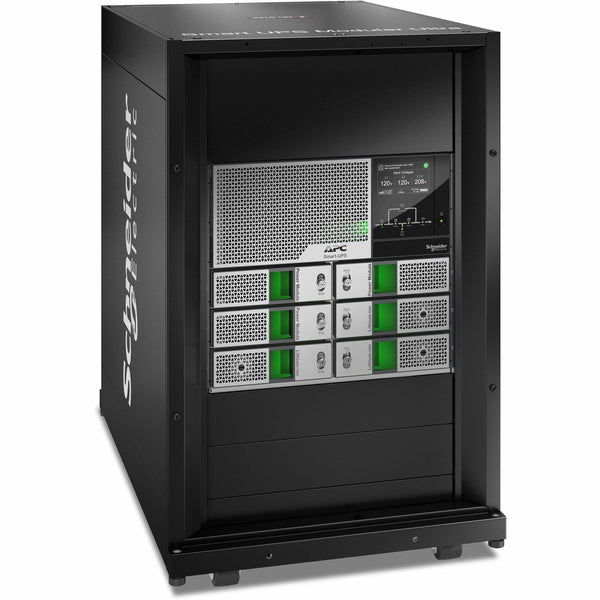
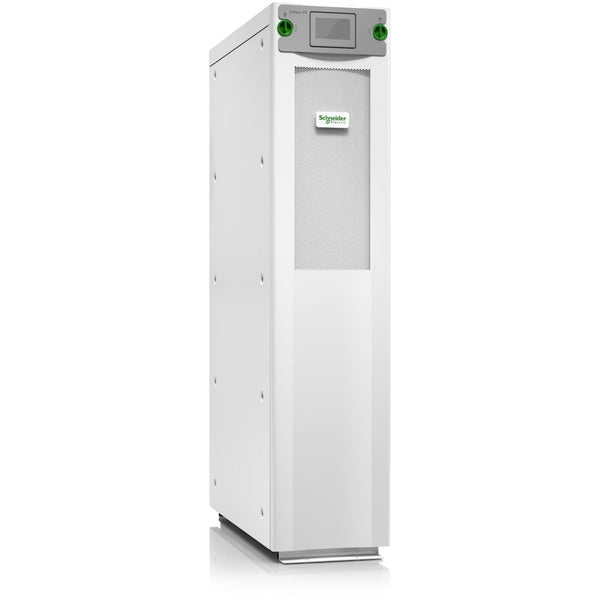
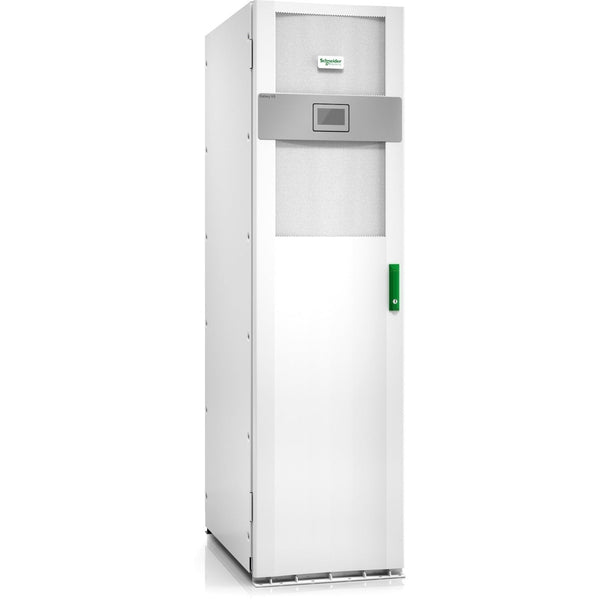
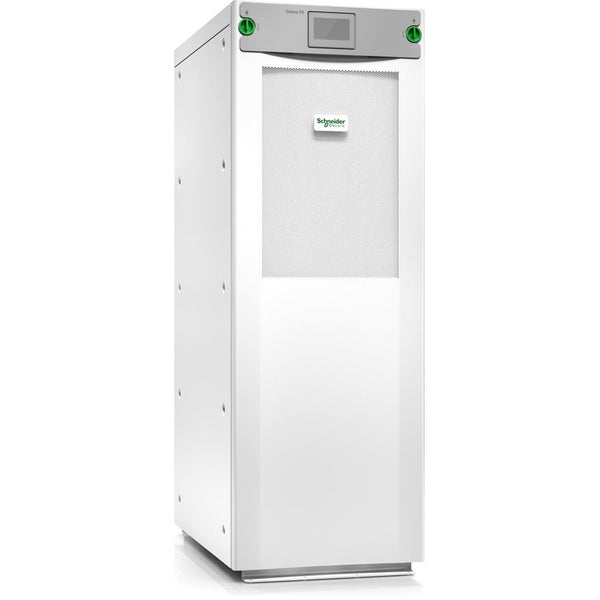
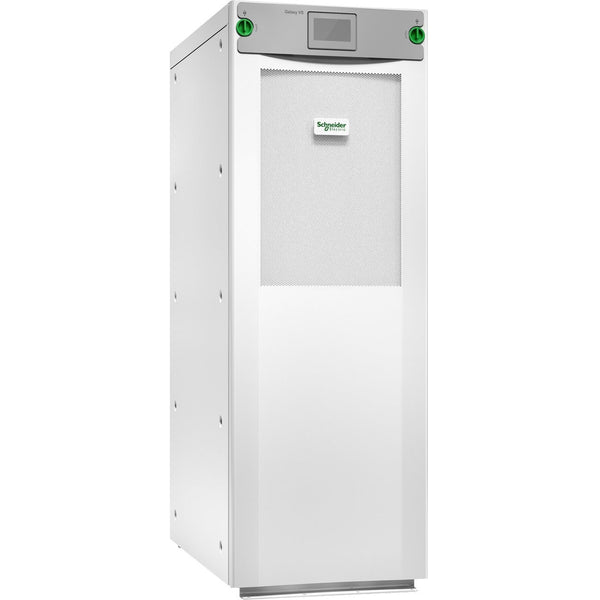
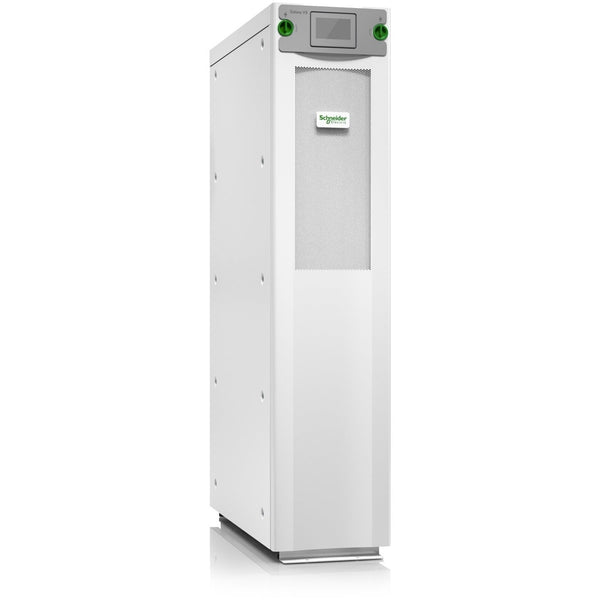
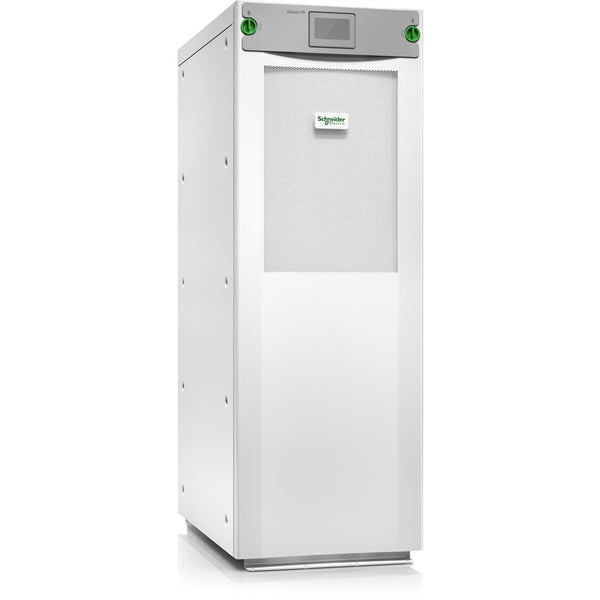
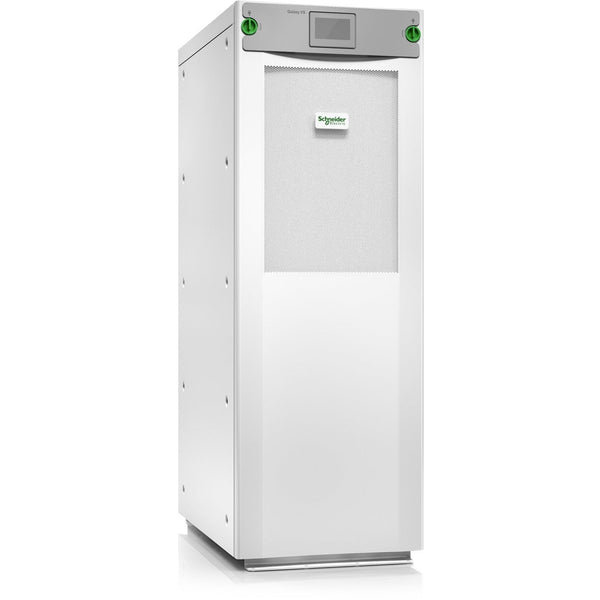
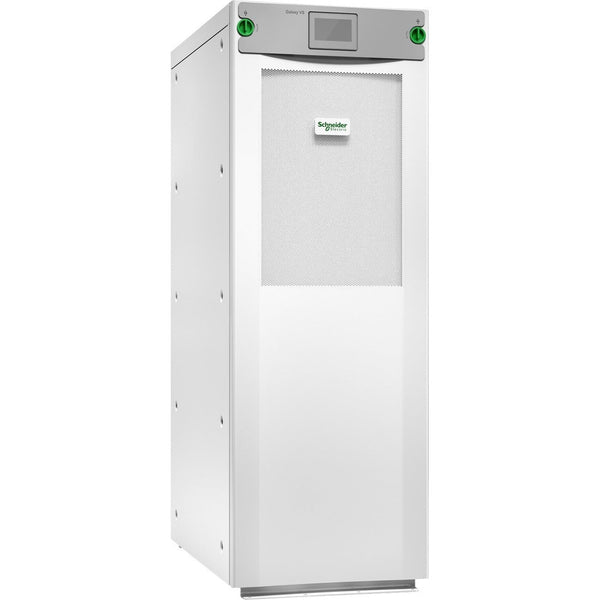
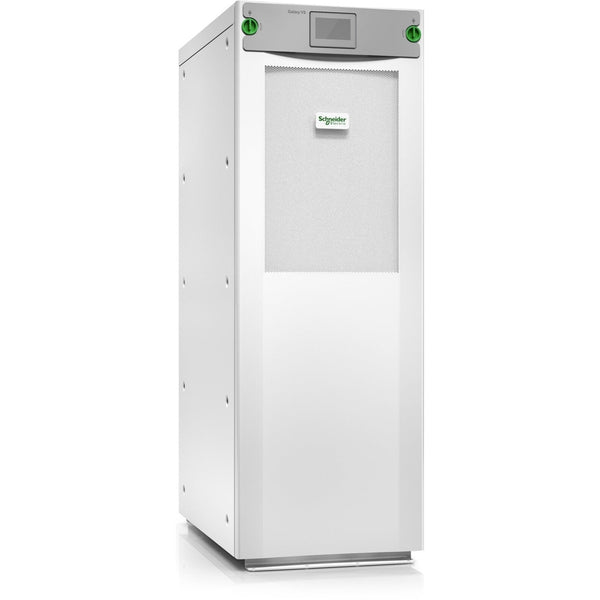
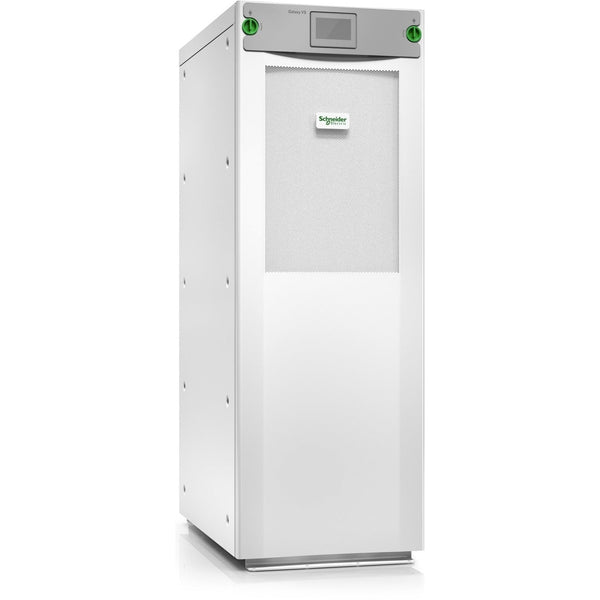
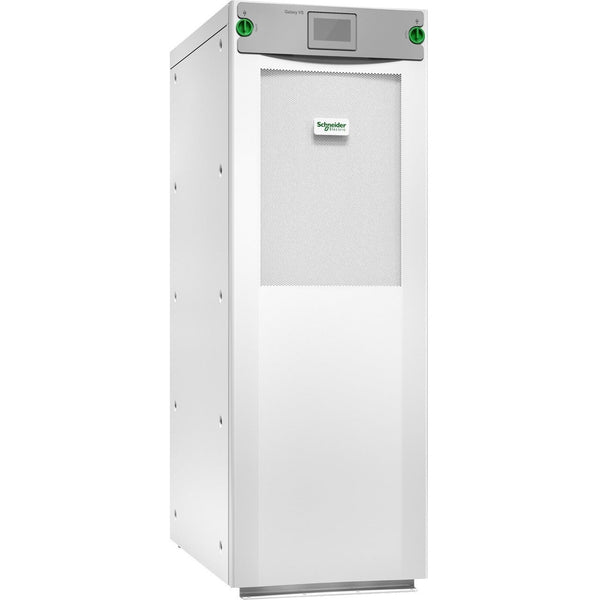
What is an uninterruptible power supply?
An uninterruptible power supply (UPS) is a battery-backed device that sits between your electronics and the wall. When utility power is clean and stable, the UPS passes it through — usually with surge protection and, on better units, automatic voltage regulation. When the grid flickers, dips, or fails completely, the UPS switches to its internal battery in milliseconds and continues to supply power for a specified runtime, giving you time to save your work and shut down gracefully, or to keep mission-critical loads running until utility returns.
UPSPLUSBATTERY.CA stocks more than 3,000 UPS systems and the matching replacement batteries across every major brand — APC by Schneider Electric, Tripp Lite, Eaton, Vertiv, CyberPower, Xtreme Power Conversion, Delta, Alpha, and Emerson — shipped from a Canadian warehouse with full manufacturer warranty.
UPS topologies explained
Every UPS on the market falls into one of three topology classes. Topology — not brand, not price, not VA rating — is the single most important specification to get right. Choose the wrong topology and the UPS will either fail to protect the load or cost three times more than it needed to.
Most Canadian SMB buyers land on line-interactive for their server closet or POS deployment. Medical clinics, VoIP PBX installations, precision labs, and anything three-phase should always specify double-conversion online topology. Read line-interactive vs online UPS for a full side-by-side.
How to choose the right UPS
Step 1: Calculate your total load
Walk through every device that will plug into the UPS with a clamp meter, or add up the nameplate wattage from each unit. Multiply the total by 1.25 for a growth buffer. This number is your minimum UPS watt rating. Example: a 1U server at 400 W, a switch at 80 W, a firewall at 40 W totals 520 W × 1.25 = 650 W, so you need a UPS rated at 700 W or higher.
Step 2: Match VA and wattage
Every UPS is rated in both VA (apparent power) and watts (real power). Older units typically run at 0.6 power factor — a 1500 VA UPS is only 900 W. Newer unity-PF units (APC Smart-UPS Ultra, Smart-UPS SRT 6/8/10 kVA, Eaton 9PX G2 6+ kVA, Vertiv Liebert GXT5 unity models) deliver VA equal to watts, which matters for blade servers, GPU workstations, and any load that draws close to unity PF. Check both ratings — an older 0.6-PF UPS that looks big enough on paper will trip on overload with modern IT loads.
Step 3: Decide runtime
Runtime is a function of load and battery capacity. Most SMB deployments target 5–15 minutes at full load — enough to ride through the average Canadian outage or trigger a graceful shutdown via network management software. Hospitals, telecom, and industrial sites typically specify 30 minutes to 2 hours with external battery packs. Use our UPS runtime calculator to model actual minutes at your load.
Step 4: Pick form factor
Tower UPS fit under a desk or in a corner of a small office. Rackmount UPS (1U–6U) bolt into a 19-inch server rack alongside your switches and servers. Convertible units can be deployed either way — useful for office environments that may later move gear into a proper rack. Most rackmount and convertible models ship with rail kits included.
UPS brand comparison
Every major brand has a sweet spot. Spec a brand to the workload, not the other way around.
Browse by brand: APC UPS · Tripp Lite UPS · Eaton UPS · Vertiv UPS · CyberPower UPS.
Replacement batteries for UPS systems
Every UPS battery is a consumable. Sealed lead-acid batteries last three to five years in climate-controlled environments; lithium-ion batteries (APC Smart-UPS Ultra, SRTL series, some newer Eaton 9PX G2) last up to ten years. When a battery ages out, the UPS front panel or management software flags it as "replace" — at which point rated runtime is no longer guaranteed.
Every brand uses its own part numbering:
- APC: APCRBC followed by a two or three digit number (APCRBC124, APCRBC140)
- Tripp Lite: RBC followed by a number and optional suffix (RBC51, RBC94-2U)
- Eaton: Battery part numbers tied to UPS family (9PX EBM, 5PX EBM)
- Vertiv: GXT or PSI battery pack numbers
- CyberPower: RB followed by voltage and capacity (RB1290, RB1270X2A)
The part number is printed on the unit label and listed in the user manual. See our full UPS replacement batteries collection for the complete matrix.
Installation, warranty and support
Every UPS sold by UPSPLUSBATTERY.CA ships from a Canadian warehouse with full manufacturer warranty. Typical warranty terms: two to three years on electronics, one to two years on sealed lead-acid batteries, up to ten years on lithium-ion units. Our team handles pre-sales sizing, RMA coordination, and post-installation commissioning questions by phone and email.
For line-interactive UPS below 3 kVA, the unit ships ready to plug into a standard NEMA 5-15 receptacle. For units above 3 kVA or any double-conversion online UPS at 5 kVA and above, hard-wire input may be required and should be completed by a licensed electrician per CSA. Three-phase and large single-phase units above 20 kVA always require commissioning by a qualified technician.
Frequently asked questions
What is the difference between a UPS and a surge protector?
A surge protector filters voltage spikes but does nothing when the power goes out — your equipment still loses power instantly. A UPS does both: it filters surges and, if power fails, switches to an internal battery to keep your gear running. For any workload where unexpected shutdown causes data loss or damage, a UPS is required; a surge protector is not enough.
How long will a UPS keep my computer running?
Runtime depends on the UPS capacity and the actual load. A 1500 VA line-interactive UPS supporting a single desktop PC (~150 W) delivers 30–60 minutes; the same UPS supporting a server rack at 900 W delivers 5–10 minutes. External battery packs extend runtime to hours in critical applications.
Do I need a UPS for a gaming PC?
If you live in an area with frequent outages, brownouts, or surges, yes — modern gaming PCs with high-end GPUs and active PFC power supplies are particularly sensitive to unstable voltage. A line-interactive UPS in the 900 VA to 1500 VA range (APC Back-UPS Pro, CyberPower CP1500, Tripp Lite AVR1500LCD) is the standard specification for gaming desktops.
Can I plug a laser printer into a UPS?
No. Laser printers draw very high startup current (as much as 10x their rated wattage when the fuser heats up) and will either trip the UPS overload protection or shorten battery life dramatically. Connect laser printers to a plain surge protector on a separate circuit.
Should I get a line-interactive or online UPS?
For standard office, network, and server workloads, line-interactive is the right answer — it costs half as much as online and the 2–4 ms transfer time is imperceptible to modern switching power supplies. For medical equipment, VoIP PBX, precision lab gear, or any three-phase load, always specify double-conversion online. See line-interactive vs online UPS for a detailed decision framework.
How often do I need to replace the UPS battery?
Sealed lead-acid UPS batteries last three to five years. Lithium-ion UPS batteries last up to ten years. Replace when the UPS flags the battery as "replace" on the front-panel LCD or via management software — runtime is no longer guaranteed beyond that point, even if the UPS still powers the load.
Can I install a UPS myself?
For any UPS up to 3 kVA with a standard plug-in input, yes — connect the battery, plug in the UPS, connect your equipment, install the management software. For units above 3 kVA with hard-wire input, or any 208/240 V unit, use a licensed electrician. Three-phase systems always require a qualified technician.