
 In stock
Rack Cooling & Airflow Management
Cooling & Airflow Accessories
Cooling and airflow parts for racks and UPS equipment.
Cooling & Airflow Accessories catalogue
Showing 1-24 of 181
In stock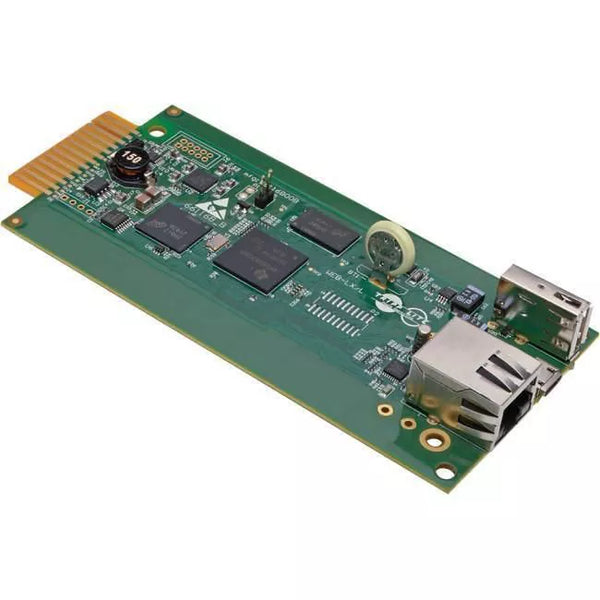 In stock
 In stock
Tripp Lite
· SR1UBRUSH
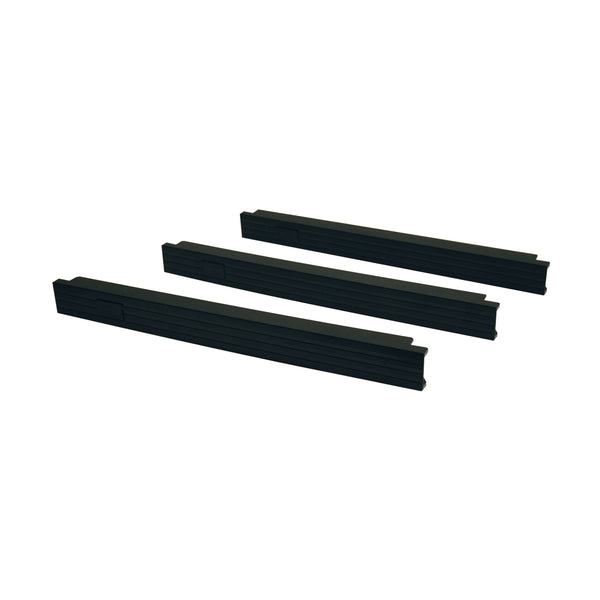
Tripp Lite SmartRack SR1UBRUSH 1U Cable Pass-Through Panel with Brush Strip
$43.99
 In stock
Tripp Lite
· SRFAN3U
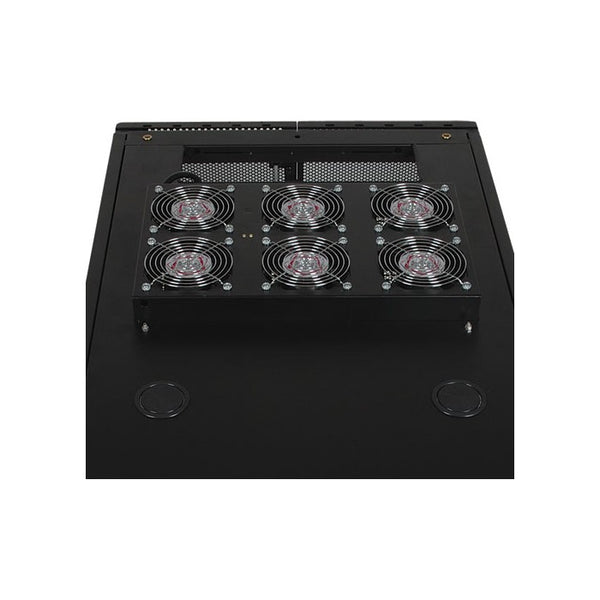
Tripp Lite SmartRack SRFAN3U 3U Fan Panel, 3-120V high-performance fans; 210 CFM; 5-15P plug
$342.99
 In stock
 Available on order
 Available on order
APC
· RACSC112
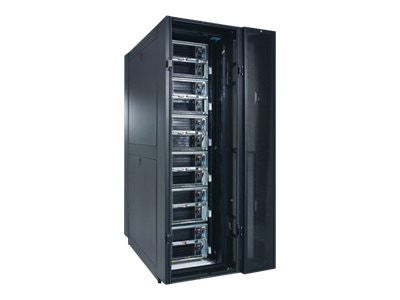
APC 1 InRow SC with Front and Rear Containment (RACSC112)
Price confirmed by quote
We confirm price and freight before ordering.
 Available on order
APC
· RACSC201
APC 2 InRow SC with Rear Containment (RACSC201)
Price confirmed by quote
We confirm price and freight before ordering.
 Available on order
 Available on order
 Available on order
 Available on order
 Available on order
APC
· ACCU300
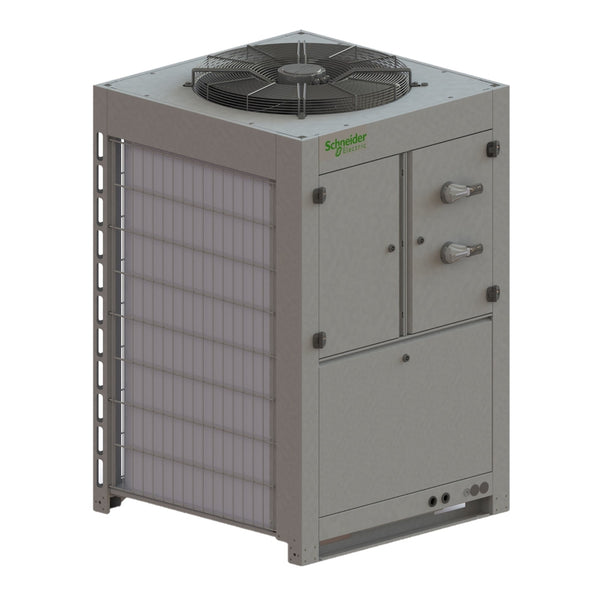
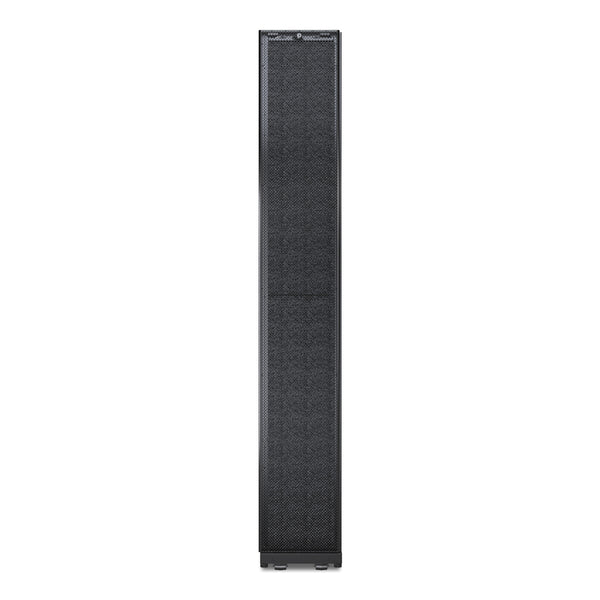
APC InRow 30 kW Condensing Unit ACCU300, 208 V, Single feed
Price confirmed by quote
We confirm price and freight before ordering.
 Available on order
 Available on order
APC
· ACRC301H
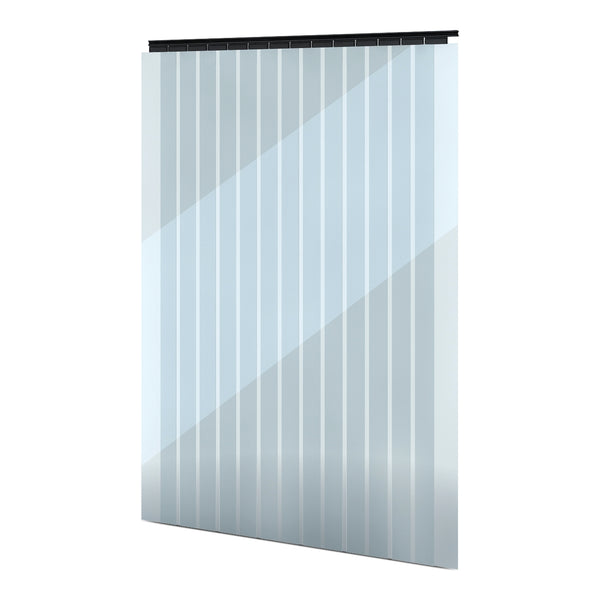
APC InRow RC Air Conditioner, 300 mm, Chilled Water, 208-230V (ACRC301H)
Price confirmed by quote
We confirm price and freight before ordering.
 Available on order
 Available on order
APC
· ACRC301S
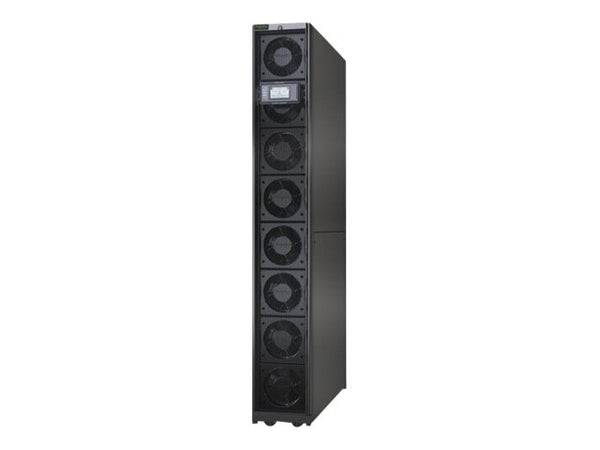
APC InRow RC Air Conditioner, 300 mm, Chilled Water, 50/60 Hz (ACRC301S)
Price confirmed by quote
We confirm price and freight before ordering.
 Available on order
APC
· ACRC301SX797
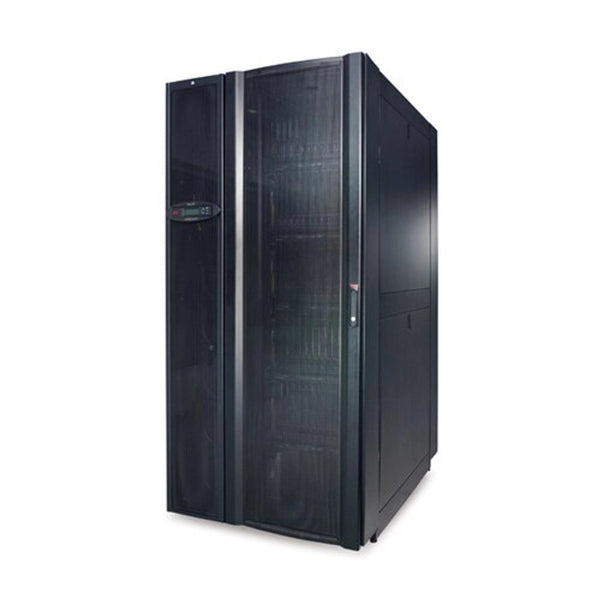
APC InRow RC Air Conditioner, 300 mm, Chilled Water, 100-240V (ACRC301SX797)
Price confirmed by quote
We confirm price and freight before ordering.
 Available on order
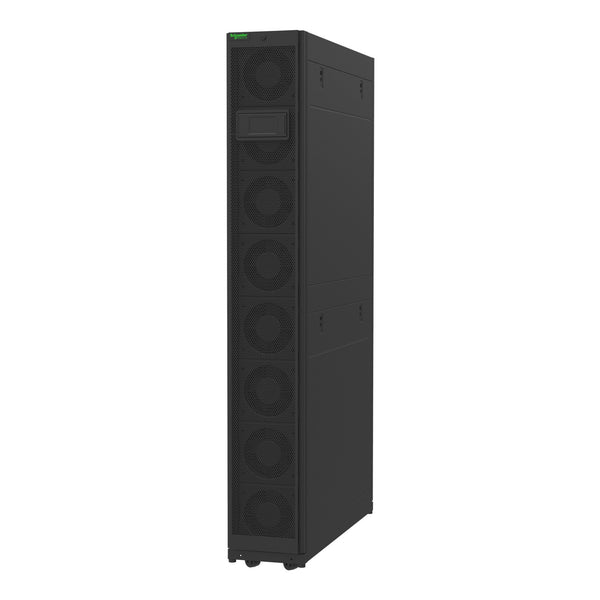
APC
· RACSC101
APC 1 InRow SC with Rear Containment (RACSC101)
Price confirmed by quote
We confirm price and freight before ordering.
 Available on order
APC
· ACRD301P
APC InRow DX 300mm 30kW Indoor Unit, 200-240V, Humidifier & Reheat, CE/UL (ACRD301P)
Price confirmed by quote
We confirm price and freight before ordering.
 Available on order
 Available on order
APC
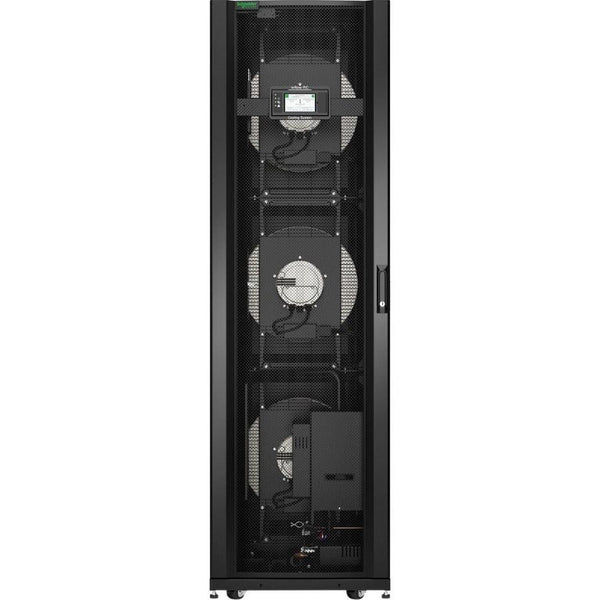
· ACRC602P
APC InRow RC ACRC602P, 600 mm, Chilled Water 380-415 V 50/60 Hz, with humidifier
Price confirmed by quote
We confirm price and freight before ordering.
 Available on order
APC
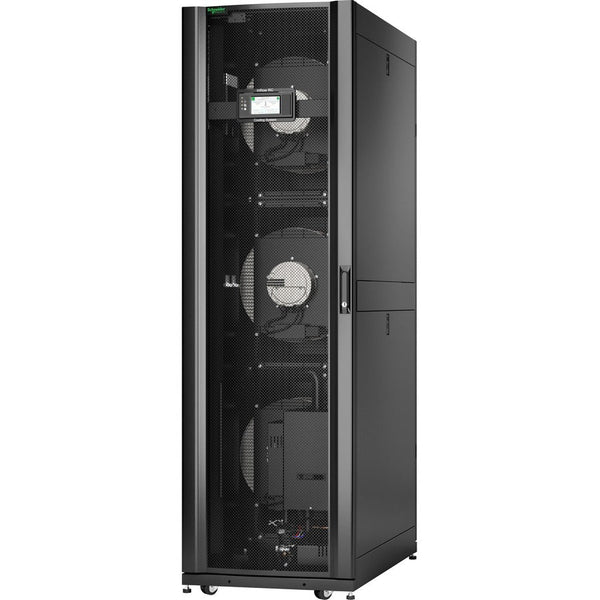
· ACRC602
APC InRow RC Air Conditioner, 600 mm, Chilled Water, 50/60 Hz (ACRC602)
Price confirmed by quote
We confirm price and freight before ordering.
Rack cooling, fans and airflow/blanking panels for UPS and server racks. APC, Eaton, Vertiv.
About Cooling & Airflow Accessories
Read more: Cooling & Airflow Accessories
Cooling and airflow accessories for racks and small data centres
Heat is what kills IT gear slowly, and airflow is how you fight it. This collection gathers the cooling hardware that APC and Tripp Lite build for rack rows and small computer rooms: InRow cooling units that sit in the rack row and cool at the source, condensers and fluid-cooling parts for those units, containment kits that stop hot and cold air from mixing, fan trays, and the blanking panels that close off unused rack space.
The collection covers APC InRow RC chilled-water units, APC InRow RD air- and fluid-cooled units, InRow DX condensing units, roof fan trays, cooling control modules and Tripp Lite blanking panels and accessories.
Parts at a glance
A representative selection. The full list is in the product grid below.
| Part | Category | Width | Cooling type | Voltage |
|---|---|---|---|---|
| ACRC301H | APC InRow RC | 300 mm | Chilled water | 208-230 V |
| ACRC600 | APC InRow RC | 600 mm | Chilled water | on request |
| ACRD100 | APC InRow RD | 300 mm | Air cooled | 208-230 V |
| ACRD200 | APC InRow RD | 300 mm | Fluid cooled | 208-230 V |
| ACRD301P | APC InRow DX | 300 mm | DX, 30 kW | 200-240 V |
| ACCU300 | APC condensing unit | 300 mm | DX | on request |
| ACCD75214 | APC condenser | on request | 1 fan, 2.4 MBH | 230 V |
| ACCD75215 | APC condenser | on request | 1 fan, 4 MBH | 230 V |
| AR8207BLK | APC roof fan tray | on request | Fan tray | 208/230 V |
| SR1UPANEL10 | Tripp Lite blanking panels | 1U, 10 pack | Airflow management | on request |
InRow units need their matching condenser or chilled-water loop; plan the heat rejection with the unit, not after it.
How to choose
Match the cooling type to the building. Chilled-water InRow RC units need a water loop; air-cooled InRow RD units pair with an outdoor condenser; fluid-cooled models sit between the two. What your building already has decides the family.
Size by heat load, in watts. Add up the IT load in the row, then pick a unit with capacity to spare. The 30 kW DX unit in the table covers a full hot row; smaller rows sometimes manage with airflow discipline alone.
Pick the width. InRow units come in 300 mm and 600 mm widths. A 300 mm unit slots where a half-rack stood; 600 mm doubles the coil and fan surface for hotter rows.
Contain before you add cooling. Containment kits and blanking panels stop hot exhaust from recirculating into the intakes. They cost a fraction of a cooling unit and often remove the need for one.
Watch the room, not the rack. The control modules and sensors in this collection let the cooling follow the load instead of running flat out. A fan tray or blanking panel is the cheapest kilowatt you will ever save.
Heat load in numbers
Almost every watt your equipment draws ends up as heat in the room. Add up the load in watts, then convert: 1 W = 3.41 BTU/h, and 12,000 BTU/h (one "ton" of cooling) = 3.5 kW. A UPS adds its own losses: at 95 % efficiency, a 3 kW load adds about 160 W.
- Rack airflow: blanking panels and roof or top fans. They keep hot and cold air apart in a rack that already sits in a cooled room.
- Data centre cooling: InRow and close-coupled units for rows of racks, sized to the row's heat load. On quote.
- Aisle containment: closes the hot or cold aisle so the cooling you have works on the equipment.
- Cooling management: network cards and controllers that monitor the cooling units.
Not sure which scale fits your room? Send us the load in watts and the room size; we can help narrow the options.
Why manage airflow
- InRow units cool at the source instead of pushing air across the room
- Blanking panels and containment cut recirculation for the price of sheet metal
- Condenser and chilled-water options for buildings that have either
- Controls that follow the load instead of a fixed setpoint
- Ships from Canada.
Quotes, configuration and shipping
Cooling is a system purchase: unit, heat rejection, containment and controls together. Request a quote with your row's heat load in watts and what the building offers for heat rejection, and we confirm the parts list. Ships from Canada.
Related: rack PDUs and environmental monitoring sensors.
Frequently asked questions
What does InRow mean?
The cooling unit sits inside the rack row, between the racks, taking hot exhaust at the source instead of fighting the whole room's airflow.
Air, fluid or chilled water?
Air-cooled units reject heat to an outdoor condenser; fluid-cooled and chilled-water units move it through a loop. Match the unit to what the building already runs.
Do blanking panels really matter?
Yes. Every open U at the front of a rack is a shortcut where hot air loops back to the intakes. Panels close the shortcut.
What is MBH on the condensers?
Thousand BTU per hour: the condenser's heat rejection rate. Match it to the indoor unit it serves.
Can one unit cool two rows?
Layout decides. In a contained aisle, one properly sized unit per row is the usual pattern; we check yours with a quote.
Where does the condenser sit?
Away from the IT space, on a roof, a wall or a slab, with the line lengths the indoor unit allows. The condenser listing states its fan count and heat rejection.
Manufacturer warranty on new products
Canadian specialists: 438-881-3363 · Contact us